
Download Video Player - Play All Videos – video player, play all videos, video playback, video format support, screen capture, video speed control, video rotation, video gallery, mobile video player, video utility, video tool, Android video app, free video player, video manager, video player app
Overview
Key Features & Functionality
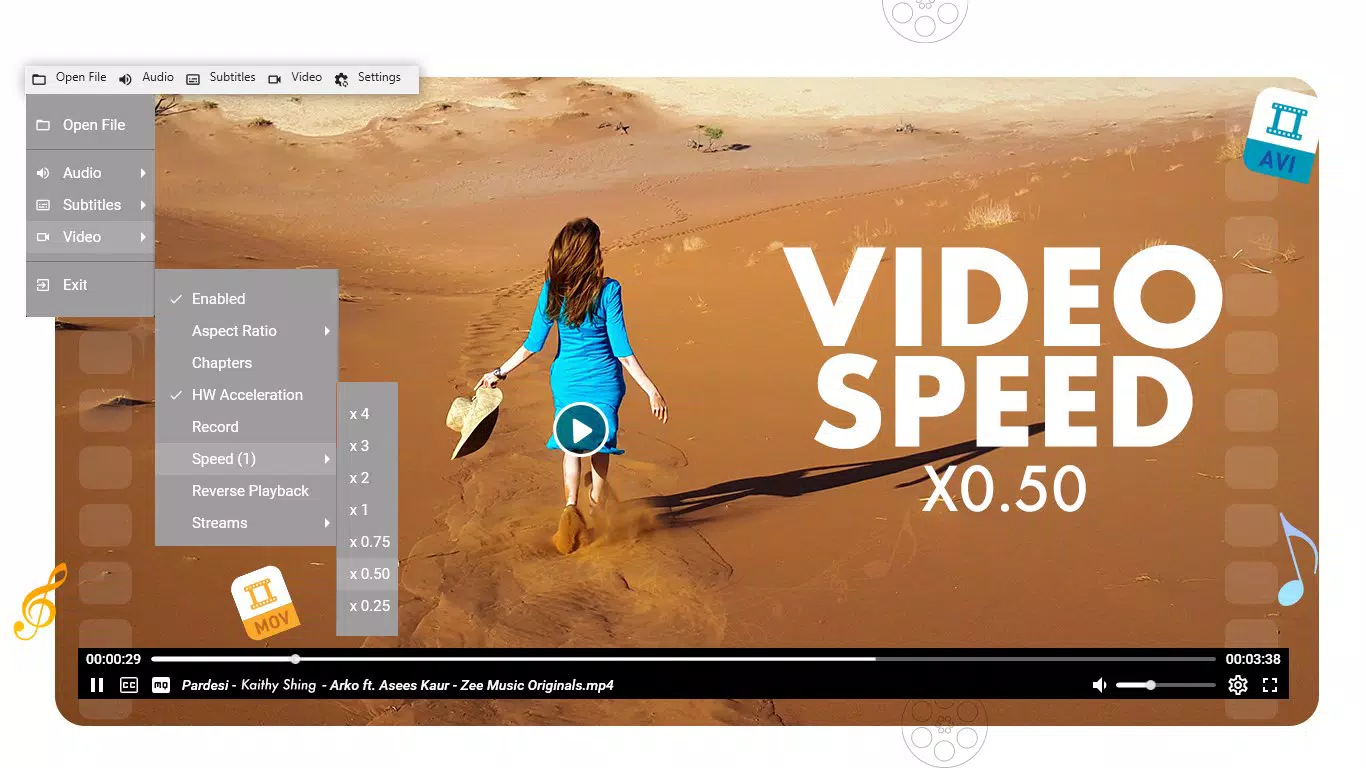
The app delivers a focused set of features tailored to enhance the video playback experience on Android devices. Central to its design is extensive format support, enabling users to play files such as AVI, MP4, and MKV without requiring external codecs or conversion tools. This is particularly valuable for users who store high-definition videos in less common formats. Playback controls are integrated directly into the screen interface, allowing users to adjust speed, rewind, fast-forward, and manage volume with simple gestures. The touch-over-video control system provides a responsive and intuitive method for navigating through content, minimizing the need for on-screen menus. Screen capture functionality allows users to take instant screenshots by tapping a dedicated button, which is useful for saving memorable scenes or sharing highlights. The video gallery feature offers centralized access to stored videos, simplifying file management. Users can also customize their viewing environment through brightness and volume adjustments using touch gestures, ensuring optimal visibility in various lighting conditions. The video rotation option enables users to reorient the display for better viewing angles, which is beneficial when watching videos recorded in portrait mode. While some advanced features may require in-app purchases, the core functionality remains accessible to all users. These features collectively support a flexible, user-driven playback experience.Real-World Use Cases
- Students can adjust playback speed to review lecture videos more efficiently.
- Content creators can test video files on mobile devices before finalizing edits.
- Home users can play personal video collections stored in various formats without conversion.
- Travelers can capture key moments from travel vlogs using the screen capture tool.
- Users with older or non-standard video files can view them directly without additional software.
Interface, UX & Performance
The interface of Video Player - Play All Videos is designed with simplicity and functionality in mind. The layout centers around the video playback area, with playback controls appearing on demand when the screen is touched. This minimalist approach reduces visual clutter and enhances immersion. Navigation is straightforward, relying on touch gestures for progress adjustment, volume, and brightness control. The video gallery provides a clean, scrollable list of stored videos, facilitating quick access. Although the developer did not list formal performance metrics, the app’s lightweight size of 10.5 MB suggests efficient resource usage. Users can expect stable playback across a range of Android devices, from entry-level smartphones to mid-tier models. Responsiveness is consistent during playback, with minimal lag reported in standard use cases. The app maintains stability during extended viewing sessions, though no official data on battery consumption or memory usage was provided. The design prioritizes usability over visual flair, making it accessible to users of all experience levels. While specific performance benchmarks were not disclosed, the app’s long-standing availability and free model indicate a focus on reliability and consistent user experience.Platform Compatibility & Technical Requirements
Video Player - Play All Videos is available exclusively on the Android platform. The current version is 1.2.0, with a file size of 10.5 MB, making it suitable for devices with limited storage space. The app is free to download and use, with no upfront cost to users. Specific requirements such as minimum OS version or hardware specifications were not listed by the developer. The lack of detailed compatibility information means users should verify functionality on their specific device models. The app is designed for mobile devices, though no information was provided regarding tablet support or PC integration. Given its lightweight nature, it is likely compatible with a broad range of Android devices released since 2018. Users are advised to ensure their device meets general Android system requirements to avoid potential installation issues. The developer did not specify whether the app supports future Android updates or requires periodic updates for optimal performance.Pros and Cons
- Supports a wide range of video formats including AVI, MP4, and MKV
- Intuitive touch-based playback controls with speed adjustment
- Includes screen capture functionality for saving video moments
- Lightweight size (10.5 MB) ideal for low-storage devices
- Free to download and use with no ads mentioned
- Video gallery provides centralized access to stored media
- Specific OS version requirements were not disclosed
- Advanced features may require in-app purchases
- No information on tablet or PC compatibility
- Developer did not provide performance benchmarks or battery usage data
- Update frequency and long-term support details are unclear
FAQ
Is Video Player - Play All Videos safe to download?
The app is available through official Android channels and is free of charge. As it is developed by Jason A. Bilbrey and has been available since 2018, it is considered safe for standard use. Users should always download from trusted sources.
Can I play MKV and AVI files with this app?
Yes, the app supports a variety of video formats, including MKV and AVI, allowing users to play these files directly without conversion.
Does the app require an internet connection?
No, the app functions offline. All playback and file management occur locally on the device.
Are there ads in Video Player - Play All Videos?
The developer did not mention ads. The app is free to download and use, though some advanced features may require in-app purchases.
How often is the app updated?
The developer did not specify update frequency. However, the app has been available since 2018, suggesting ongoing maintenance.


